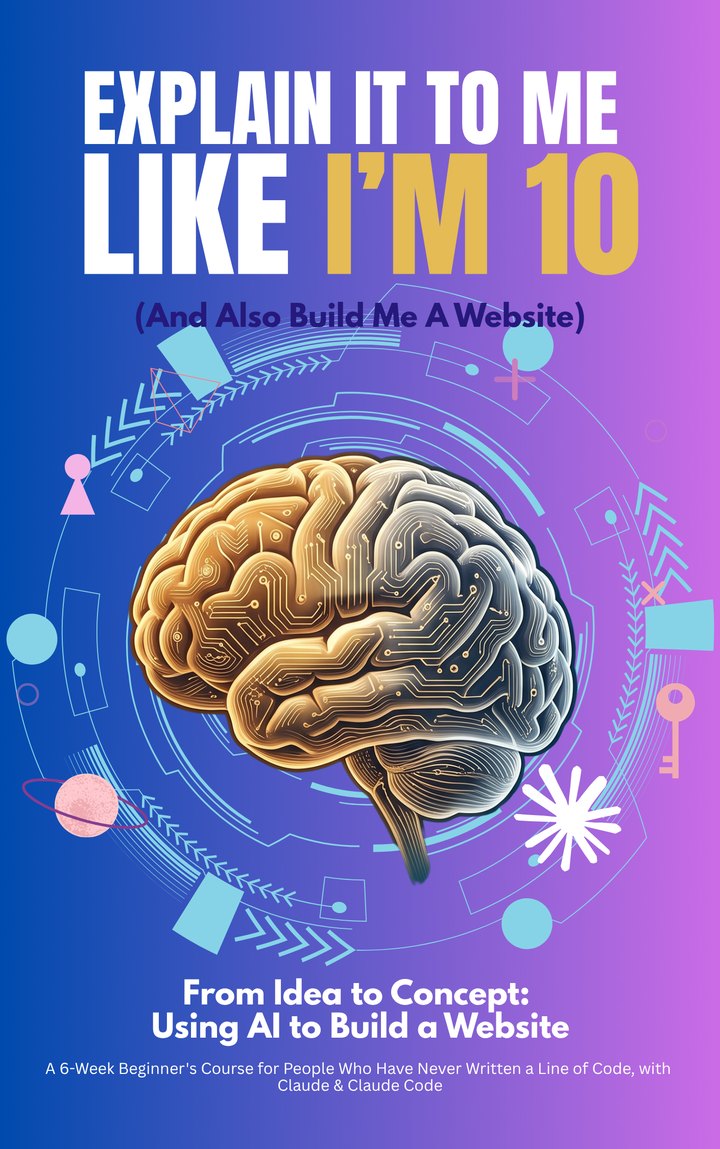
Explain it to me like I’m 10(and also build me a website)
A course you take yourself through, with a book as your guide. For people who have never written a line of code: eighteen modules, at your own speed. You finish with a real website, live at an address you own.
Six weeks is the shape, not the deadline. Go as slowly or as quickly as your week allows, and come back to any module whenever you need it.
Understand the language, without learning to code
Know what a domain, a database and a repository are, and what to ask for, without ever writing a line yourself.
Put AI to work for a business, not for trends
Use it to launch a business or modernize the one you have, instead of chasing whatever is trending online.
You don’t finish this course knowing about websites.
You finish it with one.
You start with nothing — no code, no accounts, no domain.
By the last module you have a site that is live on the internet: real pages, a contact form
that reaches your inbox, a database behind it, email that does not land in spam, a way to
take payments, and analytics telling you who came. Every step is a prompt you can copy and
exact instructions for what to look for on your own screen.
It is written the way it is titled. Nothing assumes you already
know what a repository is, or a DNS record, or why anyone would want a build step. The
parts that usually get skipped — what things actually cost, what breaks, what to do
when it does — have their own chapters rather than a footnote.
Six weeks, eighteen modules. Here is what
you have at the end of each week.
Week one · Modules 1–4
Something of yours is on the internet
You get Claude installed and have your first real
conversation with it. You describe a page in ordinary words; Claude writes it. You learn
which tool to open for what, and where to keep your work so it cannot be lost. By the
end of the week that page has an address anyone can type in. A temporary one, but
real.
Week two · Modules 5–7
It stops being a page and becomes a site
You turn the idea in your head into a plan: which pages
you need, what each one is for. Then you build them, one at a time, by telling Claude
what you want and looking at what comes back. By Friday it has your words and your
pictures, and it moves.
Week three · Modules 8–9
It can be found, and it cannot be abused
A contact form is a door strangers can walk through, so
you close it properly. Then you do the plain work that lets Google list you: the title,
the description, and the little card that appears when somebody shares your link.
Week four · Modules 10–11
You own the address, and it is live
You go looking for what is broken before a visitor finds
it, and you fix it with Claude sitting next to you. Then you buy your domain and launch.
This is the week it stops being a project and becomes a place.
Week five · Modules 12–14
Nothing here can be lost, and nothing here is
illegal
The pages every site needs and nobody explains: privacy,
terms, cookie consent. Backups, so that a bad afternoon is an afternoon rather than the
end. And the settings that stop your emails landing in other people’s spam
folders.
Week six · Modules 15–18
It can take money, and you can see who came
You connect Stripe and run a real payment through it.
You make the site work for people using a keyboard or a screen reader. You add analytics
and watch the first visits arrive. And you learn when to bring in help, and how to give
somebody access without handing over the keys.
And in the back, eight appendices you will
actually come back to.
The complete prompt library
Every prompt in the course, in one place, ready to copy.
Your toolbox cheat sheet
What each tool is for, in one line each.
Troubleshooting index
Symptom on the left, what to do on the right.
Domain and DNS, deep
The part everyone gets stuck on, explained slowly.
Glossary, in plain English
No circular definitions. No jargon defined with more
jargon.
Budgeting your first year
What it really costs to keep a site running.
Frequently asked questions
The ones that come up before anyone starts.
Ten power prompts
One for every stage of the build.
Who this is for, and who it is not.
It is for you if
You have never written a line of code and you are not
planning to start.
Maybe you opened an AI tool, asked it for a website, and
ended up with something you had no idea how to put on the internet. Maybe you are paying
somebody for changes you suspect take five minutes. Maybe you have an idea and no route
from it to a real address.
And underneath it, the part people rarely say out loud:
you feel a little alone in this, and not at all certain you can.
Does that sound like you?
It is not for you if
You are already comfortable in a terminal and a repository.
The pace is deliberate, the explanations are long, and you will spend the first week
reading things you already know. We would rather say so than take the money.
I have been a working multimedia journalist for ten years.
Colombian-Italian, born in the United States, based in Miami.
For a long time I wanted a website of my own and had no idea how
to get one. Nobody walked me through it, so I taught myself, slowly, and badly at first.
This is the guide I wish someone had handed me.
In English or in Spanish. You choose.
Both editions read like they were written for you —
fluent English, fluent Spanish, no machine-literal phrasing. Pick yours at checkout. Pay in
full, or split it over two months. Either way you download the moment it clears.
The full six-week course: zero code to a live website you own.
›Eighteen modules, six weeks, start to a live launched site
›Every prompt written out, ready to copy and paste
›Legal pages, backups, email deliverability, payments, accessibility and analytics covered, not just a homepage
›Troubleshooting built into every module
›Choose English or Spanish at checkout
1 file
Choose your edition$75
The Complete Course + Companion Bundle
Everything in the course, plus six guides to plan, launch and go further.
›Everything in the base course
›10 Advanced Prompts
›Starter Blueprints — three worked examples, plan and design system
›The Pre-Launch Checklist
›The Stack Decision Guide
›The Build Journal
›So You Want to Build Sites for Other People
7 files
Are you ready to have a website by the
end of six weeks?
Payment is
handled by Stripe. Card details go straight to them and never touch this site. Your download
link works for ninety days, and we will always send you another one.